01
Make the delivery part of your work.
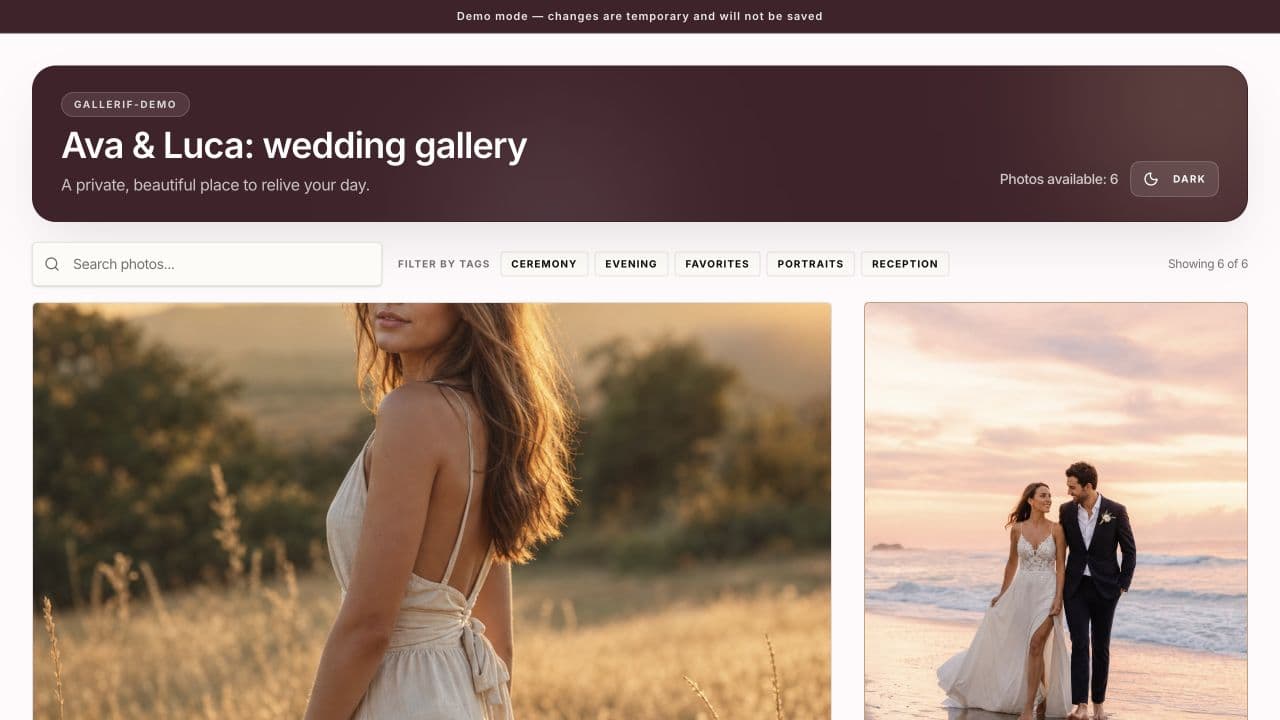
Your client sees the finished photographs through the gallery you send. A clear title, your branding, and an organized set make that handoff feel considered.
Gallerif brings viewing, selections, comments, and downloads into one place. You can use a gallery to present final work or to keep a conversation around a set of photographs.
- Show your logo and brand colors.
- Keep photographs organized with gallery directories and tags.
- Let clients view and download the files you choose to share.
02
A gallery for the people it belongs to.
Gallery photos are encrypted in your browser before they are uploaded. Clients use the gallery password to open them in their browser.
That makes the password part of the delivery. Save it somewhere you can find it, share it carefully, and keep a separate copy of your original files.
03
Give every shoot a clear destination.
For a wedding, keep the gallery title recognizable and explain how the couple can share it with their guests. For a family session, make the selection task clear before clients start browsing. For a commercial job, use comments to keep feedback attached to the photograph it concerns.
The gallery does not need a long introduction. It needs a clear next step: enjoy the finished images, choose a shortlist, or review a particular detail.
04
Choose storage around the work you keep.
The free plan includes 5 GB, one gallery, and up to 250 photos per gallery. Paid plans allow unlimited galleries and have no per-gallery photo limit, within your chosen storage capacity.
Think about your active shoots and the completed galleries you want to keep available. Keep your own backup separately; a delivery gallery should be one part of your file workflow.
A few useful answers
Can I send original files?
Original file downloads are supported. The client experience depends on the download permissions you configure for the gallery.
Can clients leave feedback?
Clients can mark selections with tags and leave comments on individual photographs. Try the demo to see the photo viewer and its comment panel.
Is the portfolio included?
The photography portfolio is free, including for users without a paid storage plan.